
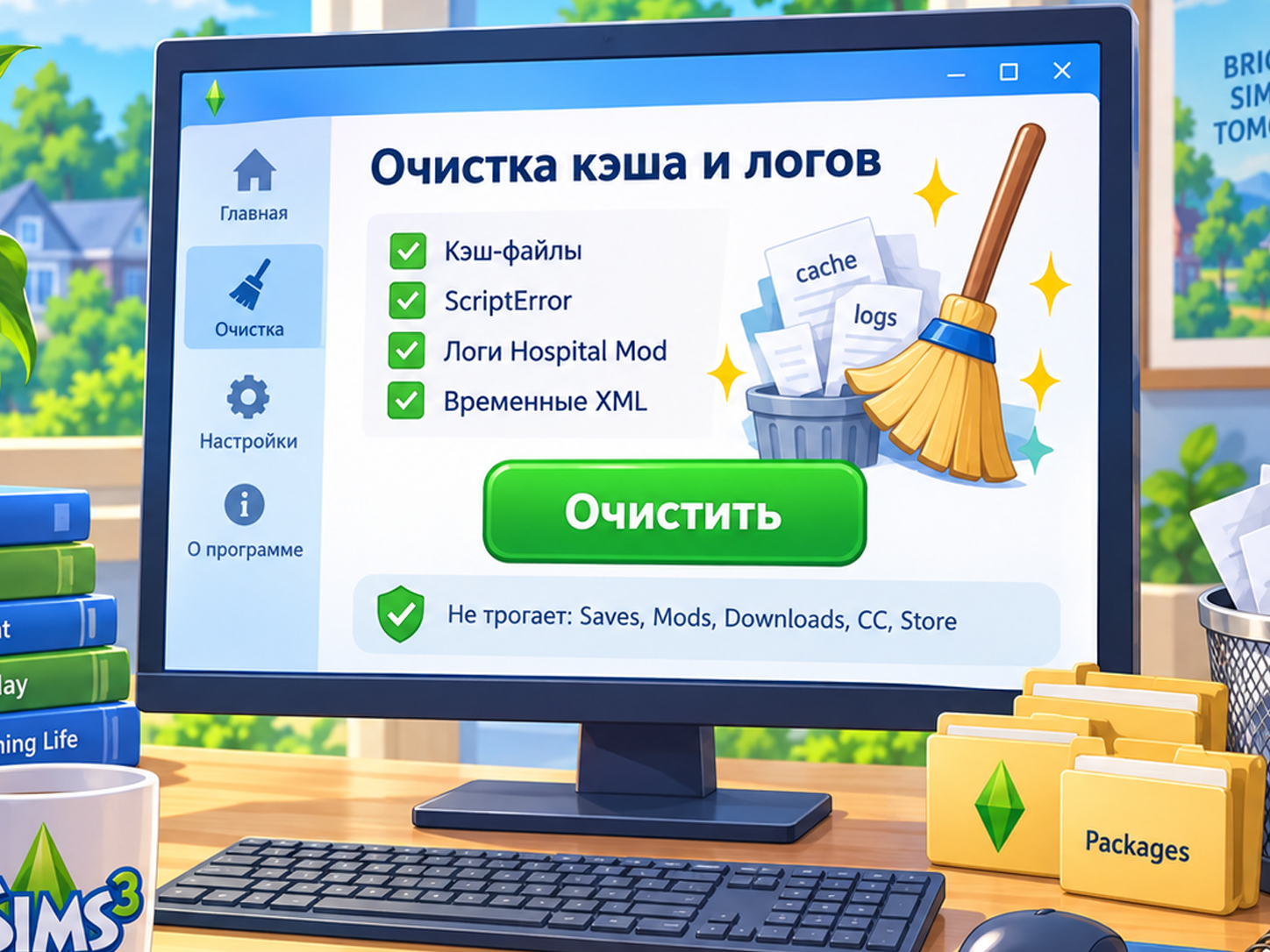
Sims3_Cleanup v0.1
At a glance: what the batch script does 🧹 — clears the main The Sims 3 cache files — removes old logs, ScriptError files and crash reports — leaves saves, Mods, Downloads, CC, Store content and settings untouched — the game recreates the necessary cache files automatically on the next launch Run it only while the game is closed. 💙
Description
🧹 Sims3_Cleanup — quick cleanup for The Sims 3
Sims3_Cleanup.bat is a small batch script for regularly clearing The Sims 3 cache, old logs and diagnostic files.
I made it for myself while constantly testing mods. After every game session, new ScriptError files, diagnostic XML files, crash reports and cache files would appear in the game folder. Deleting them manually every time quickly became tedious — now one run does the job.
What the script deletes:
scriptCache.packagecompositorCache.packagesimCompositorCache.packageCASPartCache.packagesocialCache.package- old
ScriptError_*.xmlfiles - Hospital Mod logs
- Hospital Mod diagnostic logs
- Kinky World logs
Sims3Logs.xml- old
xcpt*.txtandxcpt*.mdmpcrash reports
The script does not touch your saves, Mods, Downloads, DCCache, DCBackup, Library, InstalledWorlds, Store content, custom CC, game settings or userPresets.package.
After the cache files are removed, The Sims 3 recreates the necessary files the next time you launch it. The first launch after cleaning may therefore take a little longer than usual — this is normal.
How to use it
Close The Sims 3 and the launcher, then run Sims3_Cleanup.bat.
The script automatically finds the folder:
Documents\Electronic Arts\The Sims 3
If the game or launcher is still running, cleanup will not begin: the script warns you and does not delete anything.
You can keep the file on your desktop and use it regularly — after installing or removing mods, before testing a new build, or whenever old logs have built up in the The Sims 3 folder.
💡 Important: this is not a game speed booster and it does not fix every possible source of lag. Its job is to safely remove stale cache files and technical clutter so the game does not use outdated cached data during mod testing.
One click instead of endlessly wondering, “Which files in this folder can I safely delete this time?” 😄
Installation
- Download
Sims3_Cleanup.bat. - Extract the archive if you downloaded the ZIP version.
- Move
Sims3_Cleanup.batsomewhere convenient, such as your desktop. - Completely close The Sims 3 and its launcher before running it.
- Double-click
Sims3_Cleanup.bat. - Wait for the successful-cleanup message, then close the window.
Requirements
- Windows 10 / 11
- The Sims 3 installed
- The standard game folder at
Documents\Electronic Arts\The Sims 3 - Permission to run
.batfiles - The game and launcher must be fully closed before cleanup
No additional programs are needed.
The script runs on its own and does not need to be installed in Mods.
Original mod
Author: Hestaksa